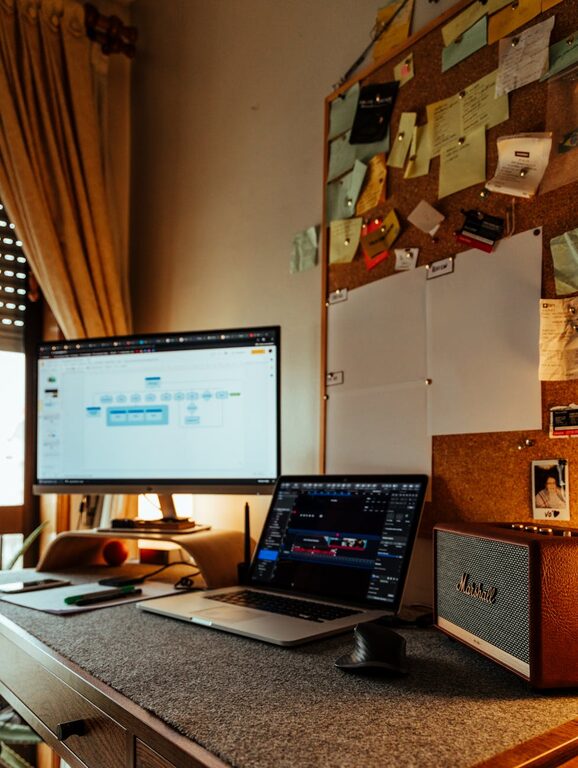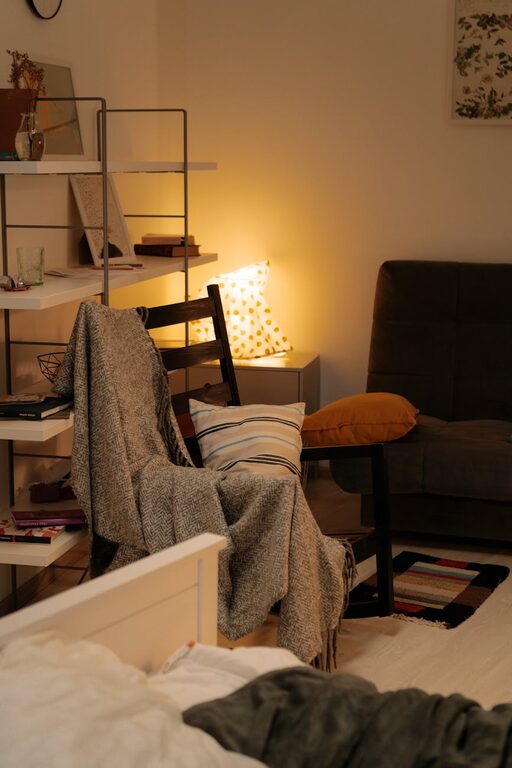
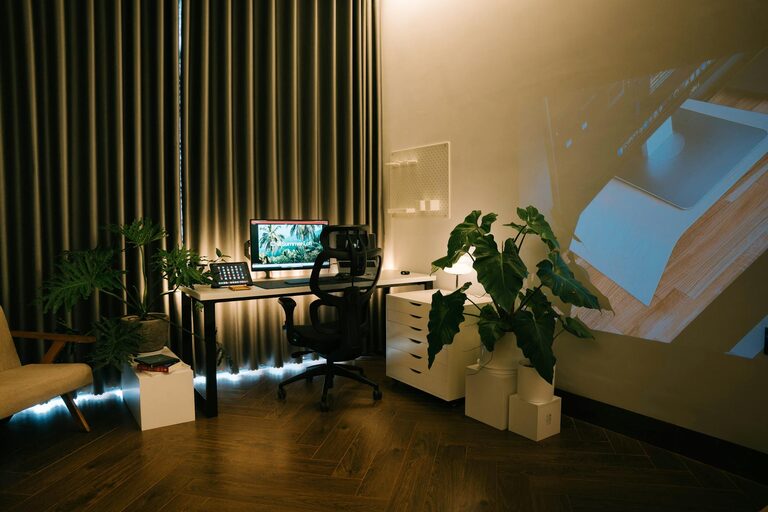
Creating a cozy and productive home workspace is essential for anyone working or studying from home. A well-designed space not only enhances focus but also promotes comfort, helping you stay motivated throughout the day. Whether you have a dedicated room or a small corner, these tips will guide you in setting up an environment that supports your best work.
Choose the Right Location
Selecting the right spot for your home workspace is the first step. Ideally, pick a quiet area away from heavy foot traffic, noise, and distractions.
– Natural Light: Aim for a location that receives plenty of natural light. Sunlight improves mood and reduces eye strain.
– Space: Ensure there’s enough room for your desk, chair, and storage without feeling cramped.
– Privacy: If possible, choose a space where you can close the door or use room dividers to minimize interruptions.
Invest in Comfortable and Functional Furniture
Comfort plays a big role in productivity. Sitting for long hours requires furniture that supports good posture and comfort.
– Ergonomic Chair: Choose a chair with adjustable height, lumbar support, and good cushioning.
– Appropriate Desk: Use a desk that suits your tasks; standing desks or adjustable desks offer versatility.
– Footrest: If your feet don’t touch the floor comfortably, consider a footrest to improve circulation.
Organize Your Space Efficiently
Clutter can be distracting, so keeping your workspace organized is crucial.
– Storage Solutions: Use shelves, drawers, or organizers to keep supplies neat and within reach.
– Desk Essentials: Limit items on your desk to what you use daily. Keep stationery, notebooks, and tech accessories tidy.
– Cable Management: Use clips or sleeves to arrange cables and prevent tangling.
Personalize Your Workspace
Adding personal touches can make your workspace inviting and inspiring.
– Plants: Small indoor plants improve air quality and add a calming green touch.
– Artwork and Photos: Choose images or decorations that motivate or bring joy.
– Colors: Use calming colors like soft blues or greens, or vibrant tones if they boost your energy.
Optimize Lighting
Good lighting reduces eye strain and improves alertness.
– Task Lighting: Use a desk lamp with adjustable brightness and direction.
– Balance: Combine natural light with artificial light to avoid glare and shadows.
– Screen Position: Position your computer screen to minimize reflections from windows or lights.
Manage Noise Effectively
Depending on your environment, noise can be a major distraction.
– Noise-Canceling Headphones: Excellent for blocking out background sounds.
– White Noise: Consider a white noise machine or app to mask distracting sounds.
– Soundproofing: Use rugs, curtains, or wall panels to absorb sound.
Develop Routine and Boundaries
Creating a space is part of the process; maintaining it is equally important.
– Set Work Hours: Establish clear start and end times to separate work from personal life.
– Break Area: If space allows, designate a separate spot for breaks to mentally disconnect.
– Regular Decluttering: Spend a few minutes daily tidying your space to keep it welcoming.
Incorporate Technology Wisely
Technology should support your work, not hinder it.
– Reliable Internet: Ensure a strong and stable connection.
– Ergonomic Accessories: Use external keyboards, mice, or monitors to reduce strain.
– Backup Solutions: Keep important files backed up either on cloud storage or external drives.
Keep Comfort Items Nearby
Small comforts can make long workdays more pleasant.
– Water Bottle: Staying hydrated boosts concentration.
– Cozy Blanket: Perfect for cooler days.
– Healthy Snacks: Have nutritious snacks handy for energy.
Final Thoughts
Building a cozy and productive home workspace combines thoughtful design, organization, and personal comfort. By tailoring the environment to your needs, you can create a space that not only looks inviting but also helps you stay focused and motivated. Remember, the ideal workspace reflects your personal preferences and work habits, so feel free to experiment and adjust as you go. Happy working!